Plan Configuration
Ctrl+ Enter to generate
Roadmap Markers
Milestone
A major achievement checkpoint
Review / Revision
Consolidate everything learned
Action Item
A specific task to complete
Project / Exercise
Hands-on practice task
Your Study Roadmap
Your roadmap will appear here
Enter your subject and click Generate Custom Study Plan
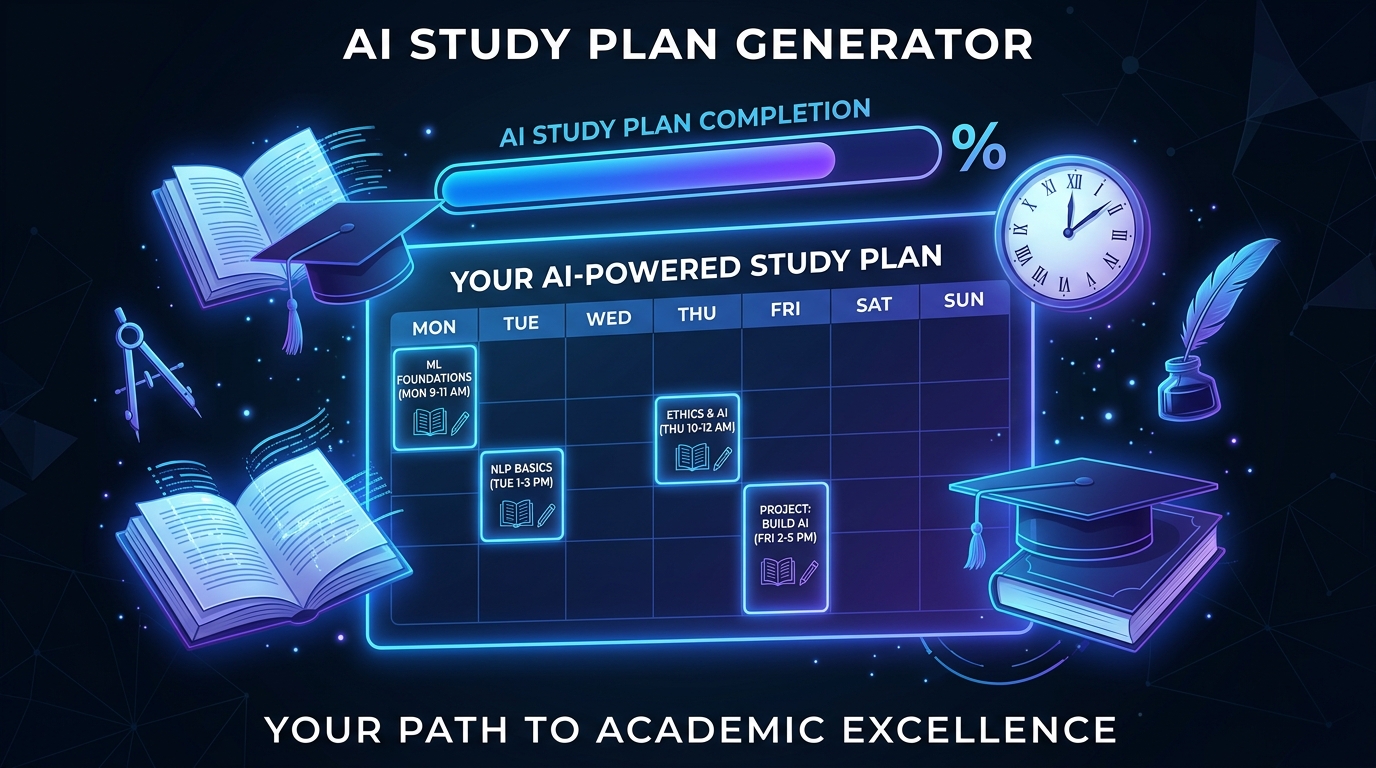
What Is an AI Study Plan Generator and How Does It Work?
Effective studying is not about the hours you put in — it is about the system. Without a structured plan, students often study the wrong topics, spend unequal time on easy material, and hit exam day underprepared on the areas that matter most. Our free AI study plan generator creates a personalised, evidence-based learning schedule tailored to your specific exam, subject, deadline, and daily availability — in seconds.
Powered by the Groq llama-3.3-70b-versatile model, the AI study planner incorporates proven learning science principles — spaced repetition, active recall, interleaving, and distributed practice. It builds a week-by-week schedule that progressively covers your syllabus while building in review sessions for long-term retention. It accounts for your available study hours, preferred session length, and identifies which topics need the most time based on complexity and your self-assessed confidence.
Whether you are preparing for university finals, professional certifications (AWS, CPA, Bar Exam), language exams (IELTS, TOEFL), standardised tests (SAT, GRE, GMAT), or a job interview — the AI learning schedule generator builds your roadmap. Free, personalised, and backed by learning science.
Key Features of Our Free AI Study Planner
📅 Personalised Weekly Schedule
Input your exam date, available study hours per day, and subject list. The AI builds a day-by-day plan that distributes topics intelligently, with heavier coverage of complex areas and lighter review of mastered content.
🧠 Learning Science Built In
The plan incorporates spaced repetition (reviewing material at increasing intervals), active recall sessions, and interleaving (mixing topics to strengthen long-term memory) — techniques proven by cognitive science to improve exam performance.
⚖️ Priority-Based Topic Allocation
Tell the AI which topics you find difficult or which carry the most exam weight. It allocates proportionally more study time to high-priority, high-difficulty areas and schedules strategic review sessions before the exam date.
🏖️ Break & Rest Integration
Sustainable study plans include Pomodoro-style breaks, rest days, and recovery buffers before major exams. The AI avoids cramming schedules that burn out learners and instead builds momentum through consistent, manageable daily sessions.
Example Study Plans Generated by AI
Example 1 — University Final Exam (4 Weeks)
Prompt: "Study plan for my Organic Chemistry final in 4 weeks. 3 hours available daily. Weak on reaction mechanisms, strong on nomenclature."
Week 1: Nomenclature review (1h) + Reaction Mechanisms foundation (2h) daily
Week 2: Mechanisms deep-dive (2.5h) + Stereochemistry intro (0.5h) daily
Week 3: Mixed topic practice problems (2h) + Spaced review of Week 1-2 (1h) daily
Week 4: Past paper practice (2h) + Weak area revision (1h) + Rest day before exam
Example 2 — Professional Certification (AWS Solutions Architect)
Prompt: "8-week study plan for AWS Solutions Architect Associate exam, 1.5 hours per day on weekdays only. Familiar with EC2 and S3, new to VPC and IAM."
Weeks 1-2: VPC deep-dive — subnets, routing, security groups, NACLs
Weeks 3-4: IAM policies, roles, best practices + EC2 advanced features
Weeks 5-6: Storage services (S3, EFS, Glacier), databases (RDS, DynamoDB)
Weeks 7-8: Practice exams, weak area review, architecture pattern scenarios
FAQ — Free AI Study Plan Generator
How does the AI create a personalised study plan for my specific exam?
The AI uses your inputs — exam name, date, daily available hours, subject topics, and self-assessed strengths and weaknesses — to build a custom schedule. It applies learning science principles like spaced repetition and distributed practice to allocate time intelligently. The more detail you provide about your specific syllabus, difficulty areas, and time constraints, the more accurately the plan addresses your individual learning needs.
Can this AI study planner work for professional certifications and adult learners?
Absolutely. The tool is widely used for AWS, Google Cloud, Azure, CPA, CFA, ACCA, PMP, IELTS, GMAT, and bar exam preparation. For professional certifications, mention the specific exam code (e.g. "AWS SAA-C03") and your current experience level. The AI adjusts the depth and pacing accordingly and can factor in that adult learners typically study in shorter, focused sessions around work commitments.
What if I fall behind the study plan — can I regenerate it?
Yes — since the tool is completely free with no usage limits, you can regenerate your study plan at any time with updated parameters. If you fall two weeks behind, simply re-enter your exam date (now closer), your remaining available time, and which topics you have already covered. The AI creates a revised, compressed plan that reprioritises remaining content to maximise your preparation within the new timeframe.
Does the study plan include specific resources or textbooks?
If you mention your textbook, course, or available resources in the prompt, the AI integrates them into the plan — for example, "Using the OMSCS Georgia Tech course materials" or "Studying from the CAIA Level I official textbook." It will structure the schedule around your specific chapter list. You can also ask it to recommend high-quality free resources (YouTube channels, documentation, practice sites) for your subject area alongside the schedule.