Quiz Settings
Enter press kar ke bhi generate kar sakte hain
Yeh Tool Kaise Kaam Karta Hai
- 1.Topic aur difficulty choose karo
- 2.AI 3 multiple-choice questions generate karega
- 3.Option click karo — instant green/red feedback milega
- 4.Score aur breakdown screen par dekho
Quiz Play Zone
Quiz Play Zone
Left side mein topic likhein aur Generate Interactive Quiz click karein
AI apke questions bana raha hai...
Please thoda wait karein
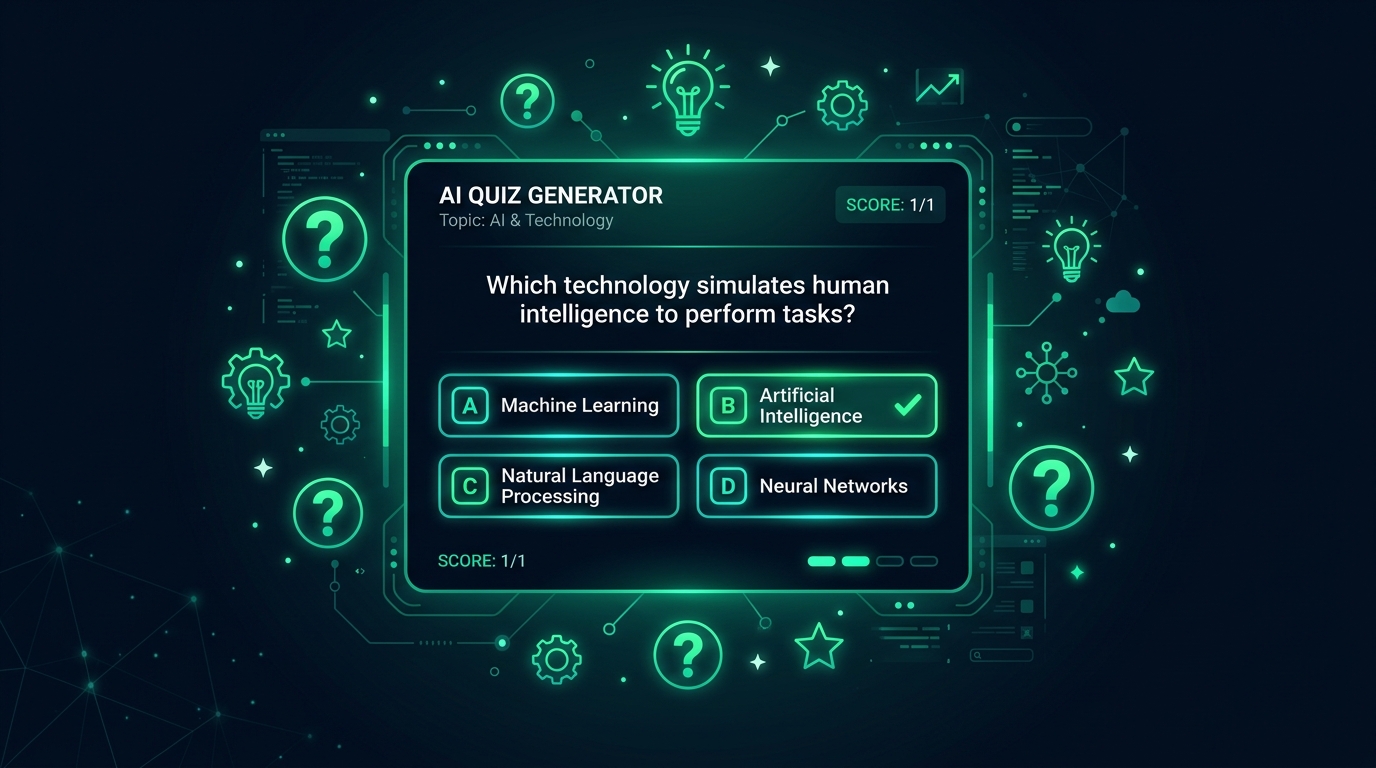
What Is an AI Quiz Generator and How Does It Work?
Creating a high-quality quiz manually is time-intensive work — a teacher preparing a 20-question assessment on World War II might spend two hours writing questions, formulating plausible wrong answers, and balancing difficulty levels. Our free AI quiz generator online compresses that into under 10 seconds. Describe your topic, choose difficulty and question count, and the AI delivers a complete, educationally balanced quiz ready to use immediately.
Powered by the Groq llama-3.3-70b-versatile model, the AI quiz maker generates questions across all knowledge levels — factual recall, conceptual understanding, application, and analysis — following Bloom's Taxonomy without requiring any pedagogical expertise from the user. It creates multiple-choice questions with carefully crafted distractors, true/false questions, short answer prompts, and fill-in-the-blank exercises tailored to your specified difficulty.
From classroom teachers and corporate trainers to trivia night hosts and content creators, the free quiz creator serves every context. It covers any subject — history, science, literature, mathematics, programming, business, sports, pop culture, and more. Completely free, no account required, and instantly ready to use or export.
Key Features of Our Free AI Quiz Maker
📚 Any Subject, Any Level
Generate quizzes on literally any topic — from Advanced Calculus and Organic Chemistry to 1990s Pop Culture and Premier League Football. Specify grade level or difficulty (beginner, intermediate, advanced) for age and skill-appropriate questions.
✅ Multiple Question Types
Choose from multiple-choice (with 4 options and answer key), true/false, fill-in-the-blank, or short answer formats. Mix types within a single quiz to test different cognitive skills and keep learners engaged throughout the assessment.
🎯 Answer Key Included
Every generated quiz includes the complete answer key with correct answers clearly marked. For multiple-choice questions, the AI also explains why the correct answer is right and why the distractors are plausible but incorrect — enabling active learning, not just passive testing.
⚡ Instant Generation
A 20-question quiz on any topic generates in under 3 seconds. No waiting, no complex setup. Ideal for teachers who need a last-minute assessment, trainers preparing for a session, or content creators planning interactive posts.
Use Cases & Quiz Examples
Example 1 — Science Quiz (Grade 8)
Prompt: "10 multiple-choice questions on the Water Cycle for Grade 8 students, medium difficulty."
Q1. Which process converts liquid water into water vapour?
A) Condensation B) Evaporation ✓ C) Precipitation D) Infiltration
Explanation: Evaporation is driven by solar energy heating surface water...
Example 2 — Corporate Training Quiz
Prompt: "5 questions on GDPR compliance for new employees, true/false format."
Q1. Under GDPR, organisations must report data breaches within 72 hours of discovery. TRUE ✓
Q2. GDPR applies only to companies based within the EU. FALSE ✓
Explanation: GDPR applies to any organisation that processes data of EU residents...
Example 3 — Pub Trivia Night
Prompt: "8 fun trivia questions about 1990s movies for a pub quiz, mixed difficulty."
Q1. Which 1994 film features a character delivering a famous speech about a "box of chocolates"?
Answer: Forrest Gump
Q2. In 'The Lion King' (1994), what is the name of Simba's father? Answer: Mufasa
FAQ — Free AI Quiz Generator Online
Can teachers use this AI quiz generator for classroom assessments?
Yes — the AI quiz generator is widely used by primary, secondary, and university educators. It produces curriculum-aligned questions when you specify the subject, grade level, and topic. For formal assessments, we recommend reviewing the generated questions for accuracy and adjusting any that don't align with your specific curriculum standards. Use it as a time-saving first draft that you refine, not a fully automated final product for high-stakes testing.
How do I control the difficulty level of generated questions?
Specify difficulty explicitly in your prompt. Use terms like "beginner," "intermediate," "advanced," or grade levels like "Grade 5," "GCSE level," or "university undergraduate." You can also specify cognitive levels: "Include 3 recall questions, 4 comprehension questions, and 3 application questions following Bloom's Taxonomy." The more precise your difficulty instructions, the better calibrated the output will be for your audience.
Can I export the quiz to Google Forms, Kahoot, or other platforms?
The tool generates quiz content as structured text. You can copy the questions and answers and manually enter them into Google Forms, Kahoot, Quizlet, Typeform, Microsoft Forms, or any other quiz platform. For Google Forms specifically, there are browser extensions that can speed up entry. The structured format (question, options A-D, correct answer) makes transfer to any platform straightforward and quick.
How many questions can the AI generate in one request?
The AI can generate up to 20-25 questions per request with high quality maintained throughout. For longer quizzes of 30, 50, or 100 questions, we recommend generating in batches of 20 — for example, "Questions 1-20 on Topic X, medium difficulty" followed by "Questions 21-40 on Topic X, harder difficulty." This approach maintains question quality and allows you to vary difficulty or subtopic focus across the quiz sections.