Describe Your Request
Tip: Press Ctrl + Enter to generate
Quick Examples
How It Works
- Choose your SQL database type from the dropdown
- Type your data request in plain conversational English
- Click Generate — our AI builds the query for you
- Copy the result and run it directly in your database tool
-- ⚡ Your generated SQL will appear here.
-- Select a dialect, describe your query,
-- then click "Generate SQL Query".
Pro Tips for Better Results
- ✓ Mention table names if you know them (e.g., "from the
userstable") - ✓ Specify conditions clearly (e.g., "where status is
active") - ✓ State sort order (e.g., "ordered by
created_atnewest first") - ✓ For JOINs, describe the link (e.g., "match
orderstocustomers")
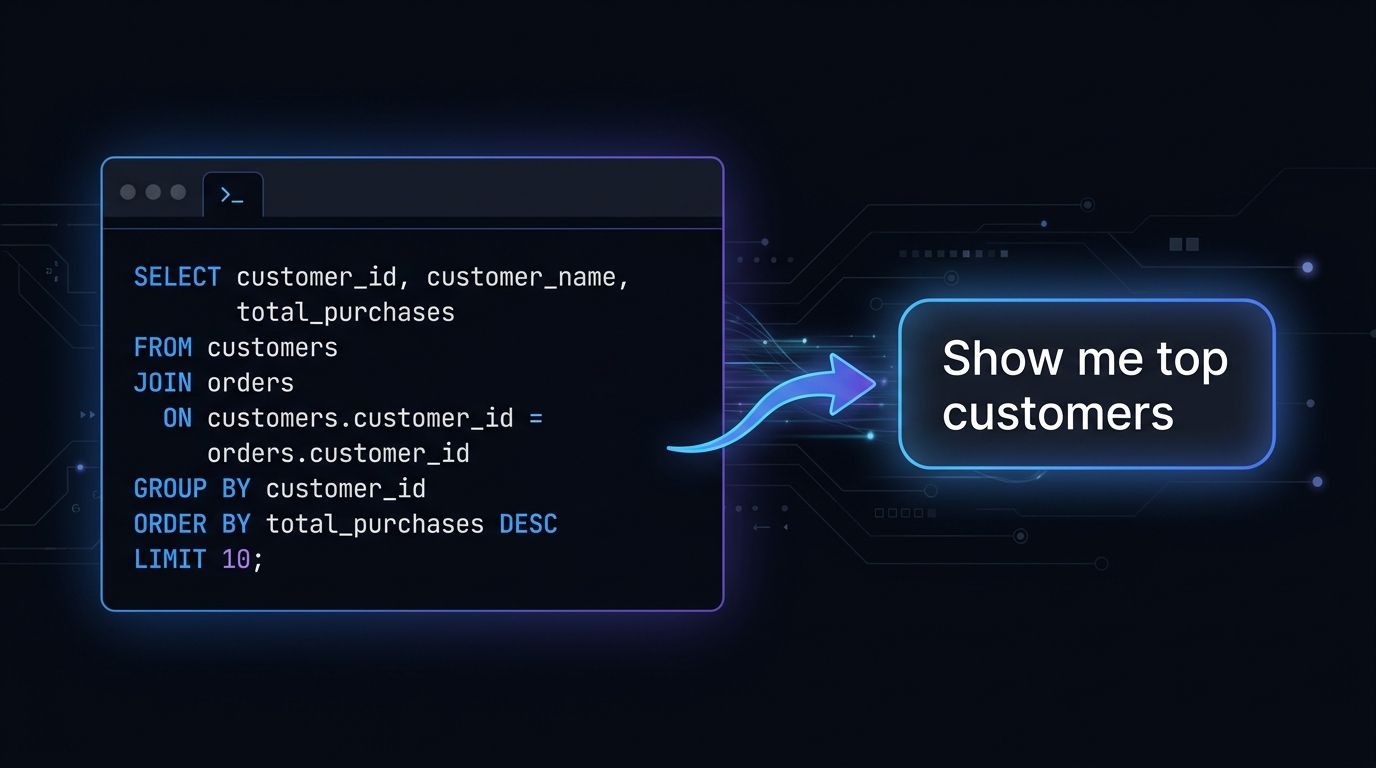
What Is an AI SQL Generator and How Does It Work?
An AI SQL Generator is an intelligent tool that converts plain-English descriptions into accurate, ready-to-run SQL queries — instantly and for free. Instead of memorising complex syntax for SELECT, JOIN, GROUP BY, or subqueries, you simply describe what data you need and the AI writes the query for you.
Our free SQL generator online is powered by the Groq llama-3.3-70b-versatile large language model — one of the fastest and most capable AI models available. It understands your natural-language request, infers the correct table relationships, and produces clean, optimised SQL that works with MySQL, PostgreSQL, SQLite, MS SQL Server, and Oracle databases.
Whether you are a data analyst pulling business reports, a backend developer prototyping queries, a student learning database concepts, or a non-technical founder exploring your data — this AI SQL query generator removes the learning curve and saves hours of manual work every day.
Key Features of Our Free SQL Generator
⚡ Natural Language to SQL
Type your query in plain English — "Get top 10 customers by total order value in the last 30 days" — and get a perfectly structured SQL query in under a second. No syntax knowledge required.
🗄️ Supports All Major Databases
Our AI SQL generator produces compatible output for MySQL, PostgreSQL, SQLite, Microsoft SQL Server, and Oracle — covering the vast majority of real-world database environments.
🔗 Complex JOIN & Aggregation Support
From simple single-table lookups to multi-table INNER JOINs, LEFT JOINs, GROUP BY with HAVING clauses, and nested subqueries — the AI handles all levels of SQL complexity automatically.
📋 One-Click Copy
Copy the generated SQL to your clipboard instantly with a single click. Paste it directly into MySQL Workbench, pgAdmin, DBeaver, Tableau, or any SQL editor — zero reformatting needed.
How to Use the AI SQL Generator — Step-by-Step Guide
-
1
Describe your data need in plain English
In the prompt box, type what you want to retrieve, update, or delete. Be as specific as possible — mention table names if you know them, filters, sorting order, and any conditions.
-
2
Select the target SQL dialect
Choose your database engine from the dropdown — MySQL, PostgreSQL, SQLite, MS SQL Server, or Oracle. The AI adjusts syntax, functions, and data types accordingly.
-
3
Click "Generate SQL Query"
Hit the generate button. The Groq-powered AI model processes your request and returns a clean, formatted SQL query in under 2 seconds — faster than any human developer.
-
4
Review, copy, and run the query
Read through the generated SQL, click "Copy", and paste it into your database client or application. If you need adjustments, refine your prompt and regenerate — it's free and unlimited.
Example — Sample AI SQL Generator Output
Prompt entered: "Show me the names and total revenue of all customers who placed more than 3 orders in the last 6 months, sorted by revenue descending."
SELECT
    c.customer_name,
    SUM(o.total_amount) AS total_revenue
FROM customers c
INNER JOIN orders o ON c.customer_id = o.customer_id
WHERE o.order_date >= DATE_SUB(NOW(), INTERVAL 6 MONTH)
GROUP BY c.customer_id, c.customer_name
HAVING COUNT(o.order_id) > 3
ORDER BY total_revenue DESC;
The AI correctly identified the need for an INNER JOIN, a date filter, GROUP BY with HAVING for the count condition, and DESC sorting — all from a single plain-English sentence.
Frequently Asked Questions — AI SQL Generator
Is this SQL generator completely free to use?
Yes — our AI SQL generator is 100% free with no signup, no account, and no usage limits. It is powered by Groq's free-tier API which offers up to 6,000 requests per day. You can generate as many SQL queries as you need without any cost.
Which SQL databases does this AI query generator support?
The tool supports all major relational databases: MySQL, PostgreSQL, SQLite, Microsoft SQL Server (T-SQL), and Oracle SQL. Select your target database before generating so the AI uses the correct functions and syntax — for example, LIMIT for MySQL vs TOP for MS SQL Server.
Can the AI SQL generator handle complex queries like JOINs and subqueries?
Absolutely. The underlying llama-3.3-70b model excels at complex SQL — including INNER JOIN, LEFT JOIN, FULL OUTER JOIN, correlated subqueries, CTEs (Common Table Expressions), window functions like ROW_NUMBER() and RANK(), and multi-level aggregations. For best results with complex queries, describe your table structure and relationships in the prompt.
Why Developers and Analysts Need a Free AI SQL Generator
Writing SQL by hand is one of the most time-consuming and error-prone tasks in software development and data analysis. A single missed comma, an incorrect JOIN condition, or a wrong aggregate function can produce silently incorrect results — results that look right but mislead business decisions. Our free AI SQL generator online eliminates this risk by letting the AI construct the query from your plain-English intent, verified against known SQL grammar rules.
For backend developers, the tool accelerates prototyping — instead of spending 15 minutes crafting a complex multi-table query, you describe it in one sentence and get runnable code instantly. For data analysts who know what they need but not the exact syntax, it bridges the gap between business logic and database implementation. For students learning SQL, it is an interactive tutor that shows correct query structure alongside the output.
Unlike generic chatbots, this AI SQL query generator is purpose-built for database work. It understands schema conventions, recognises common table naming patterns (e.g. user_id, created_at, order_total), and generates production-quality SQL with proper aliasing, formatting, and comments. Whether your team runs MySQL on AWS RDS, PostgreSQL on Supabase, or SQLite in a mobile app, the output adapts to your exact dialect without any manual tweaking.
The tool is completely free, requires no account, and has no daily usage cap for standard queries. Every request is processed on Groq's ultra-fast LPU infrastructure — delivering SQL responses in under two seconds, making it the fastest SQL generator online available today.
Supported Use Cases & Examples
Our AI SQL generator handles a wide range of real-world database tasks. Below are four concrete examples showing the kind of queries it produces across different databases and complexity levels.
Use Case 1 — MySQL: Multi-Table JOIN with Aggregation
Prompt: "List each product category, its total sales revenue, and average order value for the current year, sorted by revenue."
SELECT
    cat.category_name,
    SUM(oi.quantity * oi.unit_price)          AS total_revenue,
    AVG(o.order_total)                         AS avg_order_value
FROM categories cat
INNER JOIN products   p  ON p.category_id   = cat.category_id
INNER JOIN order_items oi ON oi.product_id  = p.product_id
INNER JOIN orders      o  ON o.order_id     = oi.order_id
WHERE YEAR(o.created_at) = YEAR(CURDATE())
GROUP BY cat.category_id, cat.category_name
ORDER BY total_revenue DESC;
Use Case 2 — PostgreSQL: Window Function for Ranking
Prompt: "Rank employees within each department by salary, showing only those ranked in the top 3."
SELECT
    employee_name,
    department_name,
    salary,
    salary_rank
FROM (
    SELECT
        e.employee_name,
        d.department_name,
        e.salary,
        RANK() OVER (
            PARTITION BY e.department_id
            ORDER BY e.salary DESC
        ) AS salary_rank
    FROM employees e
    INNER JOIN departments d ON d.department_id = e.department_id
) ranked
WHERE salary_rank <= 3
ORDER BY department_name, salary_rank;
Use Case 3 — SQLite: Filtered Search with Date Range
Prompt: "Find all active users who signed up in the last 90 days but have never placed an order."
SELECT
    u.user_id,
    u.email,
    u.created_at
FROM users u
WHERE u.status     = 'active'
  AND u.created_at >= DATE('now', '-90 days')
  AND u.user_id   NOT IN (
      SELECT DISTINCT customer_id FROM orders
  )
ORDER BY u.created_at DESC;
Use Case 4 — MS SQL Server: CTE for Recursive Reporting
Prompt: "Build an org chart query showing each employee and their full management chain up to the CEO using a CTE."
WITH OrgChart AS (
    -- Anchor: start with the CEO (no manager)
    SELECT employee_id, employee_name, manager_id, 0 AS depth
    FROM   employees
    WHERE  manager_id IS NULL

    UNION ALL

    -- Recursive: join each employee to their manager
    SELECT e.employee_id, e.employee_name, e.manager_id, oc.depth + 1
    FROM   employees e
    INNER JOIN OrgChart oc ON oc.employee_id = e.manager_id
)
SELECT employee_id, employee_name, depth
FROM   OrgChart
ORDER  BY depth, employee_name
OPTION (MAXRECURSION 10);
Extended FAQ — AI SQL Generator
These are the most frequently searched questions about AI-powered SQL generation. Each answer is written to give you complete, actionable information.
How accurate is AI-generated SQL — can I use it in production?
For the vast majority of standard queries — SELECT with filters, JOINs, aggregations, GROUP BY, ORDER BY, and subqueries — the AI SQL generator produces highly accurate, production-safe code. The underlying llama-3.3-70b model has been trained on millions of SQL examples across all major dialects. That said, for mission-critical queries involving complex business logic or proprietary schema designs, we recommend reviewing the output before running it on live data. Always test in a staging environment first. Think of it as a senior developer writing a first draft — it will be very good, but a quick review is good engineering practice.
Does the SQL generator work without knowing my actual table names?
Yes — the AI infers sensible, conventional table and column names based on your description. If you say "get all orders with customer info", it will generate a query using common naming patterns like orders, customers, and customer_id. For better accuracy, simply mention your actual table names in the prompt — for example: "From our tbl_sales table, get monthly totals grouped by region_code." The more schema context you provide, the more precise and immediately runnable the generated SQL will be.
Can I use this tool to generate INSERT, UPDATE, and DELETE statements too?
Absolutely. While SELECT queries are the most common use case, the AI SQL generator fully supports all DML (Data Manipulation Language) operations. You can ask it to generate INSERT INTO ... SELECT statements to copy data between tables, UPDATE ... SET ... WHERE queries with complex filter conditions, DELETE statements with safe WHERE clauses to avoid accidental data loss, and even CREATE TABLE or ALTER TABLE DDL statements. Simply describe the operation you need and specify the SQL type in your prompt for best results.
How is this different from using ChatGPT or other AI chatbots for SQL?
There are three key differences. First, speed — our tool uses Groq's LPU (Language Processing Unit) hardware which delivers SQL responses in under 2 seconds, compared to 5–15 seconds with ChatGPT's standard interface. Second, focus — the system prompt is specifically engineered for SQL generation, meaning the output is always clean code with no conversational filler, markdown headers, or unnecessary explanation. Third, it's completely free with no account required, while ChatGPT's GPT-4 requires a paid subscription. For SQL-specific tasks, a purpose-built free SQL generator online will consistently outperform a general-purpose chatbot.