Regex Parameters
Ctrl+ Enter to generate
Common Tokens Reference
dAny digit 0-9wWord charactersWhitespace^Start of string$End of string+One or more*Zero or more?Zero or one[ ]Character class( )Group / captureYour regex will appear here
Describe your pattern in plain English on the left and click Generate Regex
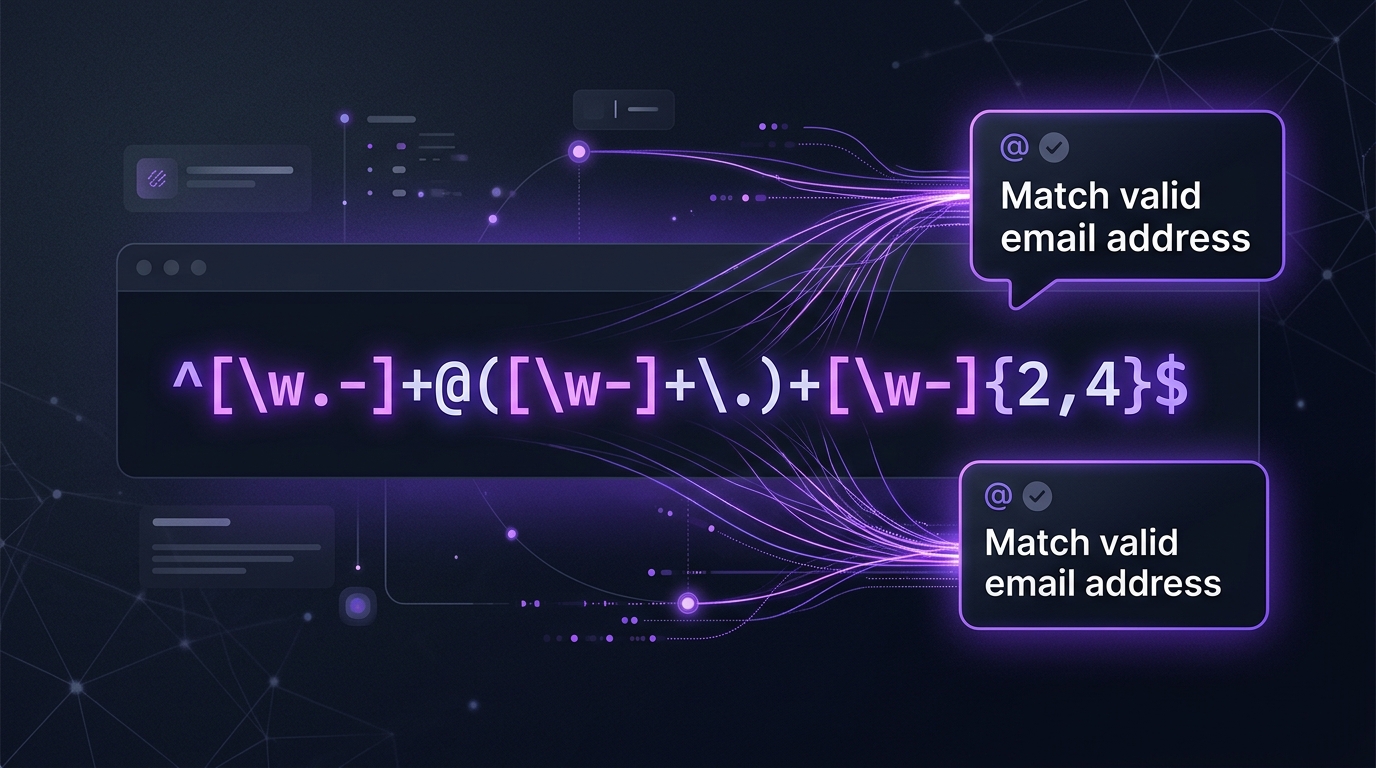
What Is an AI Regex Generator and How Does It Work?
A regular expression (regex) is a sequence of characters that defines a search pattern — used in programming, text processing, log analysis, form validation, and data extraction. Writing regex by hand requires deep knowledge of special characters, quantifiers, groups, and look-arounds. One wrong character breaks everything, yet the error messages give almost no guidance. Our free AI Regex Generator online solves this by letting you describe your pattern in plain English and receiving a tested, working regex in under two seconds.
Powered by the Groq llama-3.3-70b-versatile model, the AI regex generator understands intent — not just keywords. Whether you need to validate email addresses, extract phone numbers from messy text, match specific file extensions, parse log timestamps, or sanitise user input, the AI writes the correct pattern and explains each component so you understand what it does and why.
The tool generates regex compatible with all major programming languages — JavaScript, Python, Java, PHP, Go, Ruby, and more. Simply specify your language in the prompt for dialect-specific syntax (e.g. Python re module vs JavaScript RegExp). No account, no signup, no cost — just accurate regex, instantly.
Key Features of Our Free AI Regex Generator
🔍 Plain-English to Regex
Describe what you want to match — "a valid UK phone number" or "a hex colour code" — and get the precise regex pattern without touching a single special character yourself.
📖 Pattern Explanation
Every generated regex comes with a line-by-line breakdown explaining what each token, quantifier, and group does — turning an opaque string into understandable logic you can modify confidently.
🌐 Multi-Language Support
Get regex tailored for JavaScript, Python, Java, PHP, Go, Ruby, Perl, and .NET. The AI adjusts flags, escape sequences, and group syntax per language to ensure immediate compatibility.
⚡ Test Cases Included
The AI provides matching and non-matching test strings alongside the pattern, so you can verify the regex behaviour before integrating it into your codebase — saving debugging time.
Supported Use Cases & Examples
Use Case 1 — Email Validation (JavaScript)
Prompt: "Validate a standard email address in JavaScript, allowing subdomains."
/^[a-zA-Z0-9._%+-]+@[a-zA-Z0-9.-]+.[a-zA-Z]{2,}$/
// Matches: user@mail.com | admin@sub.domain.org
// Rejects: @domain.com  | user@.com
Use Case 2 — Log Timestamp Extraction (Python)
Prompt: "Extract ISO 8601 timestamps from server log lines in Python."
import re
pattern = r'd{4}-d{2}-d{2}Td{2}:d{2}:d{2}(?:.d+)?(?:Z|[+-]d{2}:d{2})'
timestamps = re.findall(pattern, log_text)
# Matches: 2026-08-10T14:35:22Z | 2026-08-10T14:35:22.456+05:00
Use Case 3 — Password Strength Validation
Prompt: "Regex for a strong password: min 8 chars, at least one uppercase, one number, one special character."
/^(?=.*[A-Z])(?=.*d)(?=.*[!@#$%^&*()_+-=[]{}]).{8,}$/
// Lookaheads enforce each rule without ordering constraints
// Matches: MyPass@1 | Secure#99 | HelloWorld!2
How to Use the AI Regex Generator — Step-by-Step
- 1
Describe your pattern in plain English
Type what you need to match, validate, or extract. Include edge cases and examples of valid/invalid strings for best accuracy.
- 2
Specify your programming language
Mention JavaScript, Python, Java, PHP etc. in your prompt so the AI uses the correct syntax and flags for your environment.
- 3
Generate and review the pattern
The AI returns the regex with an explanation of every component. Read the breakdown to understand what each part matches.
- 4
Copy and integrate
Copy the regex to your clipboard and paste it directly into your code, validator, or text editor. Test against the provided examples first.
FAQ — AI Regex Generator Online
Is this AI regex generator free to use with no limits?
Yes — completely free, no account required, and no daily cap. The tool runs on Groq's free-tier API delivering up to 6,000 requests per day at no cost. You can generate, test, and refine as many regex patterns as your project requires without any subscription or payment.
Which programming languages does the regex generator support?
The AI generates regex for JavaScript (with flags like g, i, m), Python (re module syntax), Java, PHP (PCRE), Go, Ruby, Perl, and .NET. Simply state your language in the prompt and the output will be ready to copy-paste into your code without any modification.
Can the AI fix or explain an existing regex I already have?
Absolutely. Paste your existing regex into the prompt and ask the AI to explain it, fix a bug in it, or extend it. For example: "Explain this regex: ^(d{3})-(d{4})$ and modify it to also accept dots as separators." The AI will break it down token by token and return a corrected or extended version.
How accurate are the generated regex patterns?
For well-defined patterns (emails, phone numbers, URLs, dates, IPs, postcodes, credit cards), the accuracy is very high. For ambiguous patterns, providing examples of strings that should and should not match significantly improves output. The AI includes test cases so you can verify correctness before deploying. For critical validation logic, always test against your full dataset in a sandbox environment first.